AI Inclusion in Employment: How Parents Can Protect Teens
Parents are hearing more about artificial intelligence in schools, but AI is also reshaping how people get hired, scheduled, evaluated and even fired. For teens and young adults entering the workforce, these systems can create new barriers, especially for applicants with disabilities, neurodivergent traits or limited work experience.
AI tools can also open doors when they are designed with fairness and accessibility in mind. The challenge for families is knowing what “good” looks like, what risks to watch for and how to advocate when an automated system gets it wrong.
This guide explains AI inclusion in employment in plain language and offers steps parents can take to help their teens navigate AI-driven hiring and workplace tech with confidence.
Understanding Employment & AI Inclusion
Employment & AI inclusion means using AI-powered tools in ways that are fair, accessible and lawful for all workers, including people with disabilities and other protected groups. In practice, it covers common workplace systems such as:
- Resume screeners and “matching” tools
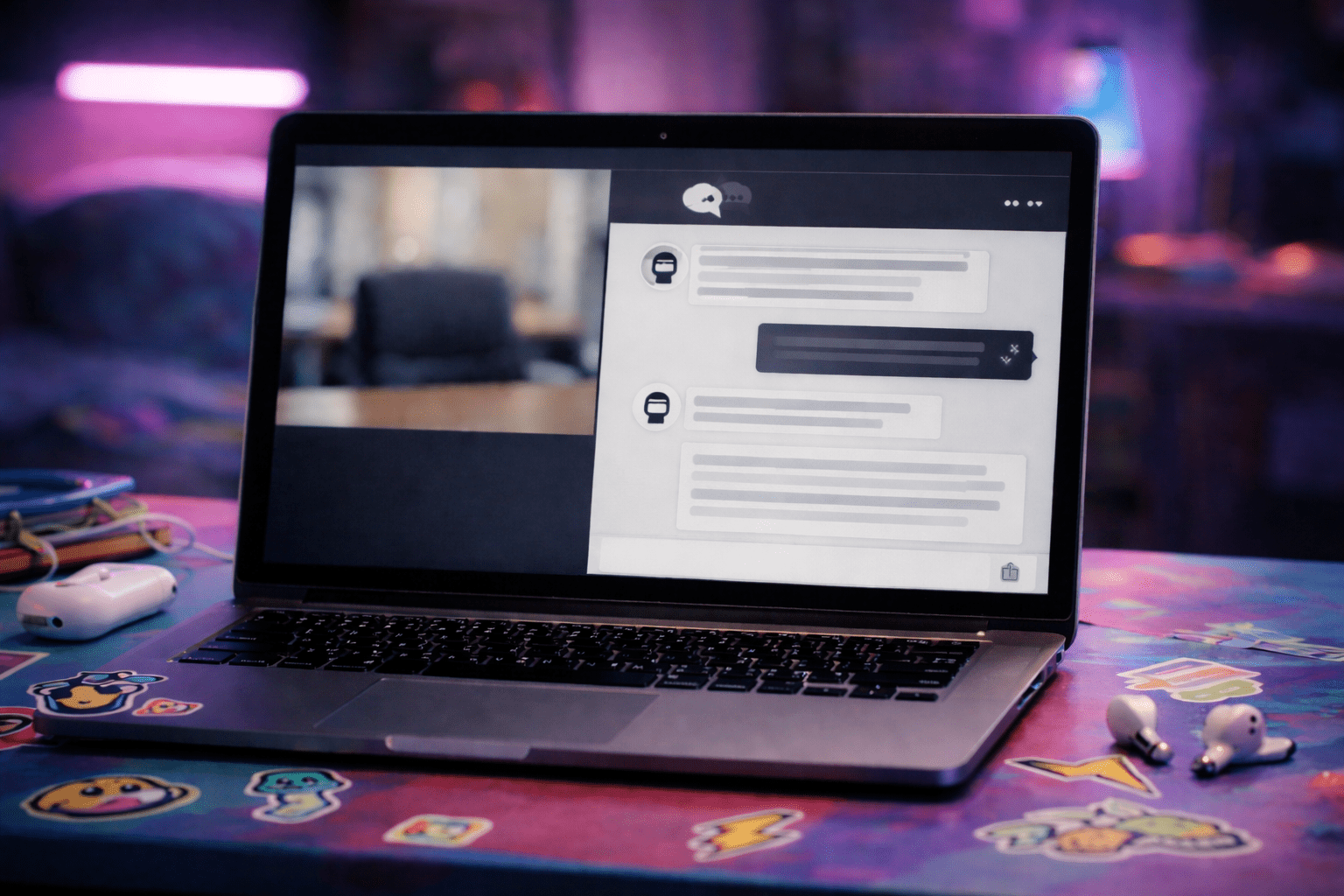
- Chatbots that schedule interviews
- Online assessments and games that claim to measure traits like “grit”
- Video interviews that score speech patterns, facial expressions or tone
- Timekeeping, scheduling and productivity tracking tools
AI inclusion in employment is not only an ethics issue. It is often a legal and policy issue, too. Several long-standing laws can apply when AI affects hiring or working conditions:
- Americans with Disabilities Act (ADA): Requires reasonable accommodations and prohibits discrimination based on disability in many workplaces.
- Title VII of the Civil Rights Act: Prohibits discrimination based on race, color, religion, sex and national origin.
- Age Discrimination in Employment Act (ADEA): Can apply to older workers, but families should still understand it because many “bias” rules use similar logic across groups.
- Fair Credit Reporting Act (FCRA): Can apply when third-party tools provide “consumer reports” used for employment decisions.
A key point for parents: even if a manager says, “The system decided,” employers are still responsible for fair decisions. AI does not remove human accountability.
Recognizing the Signs or When to Be Concerned
AI can fail in ways that look like “bad luck” to a teen. Parents can help by watching for patterns and specific red flags.
Common warning signs during hiring
- Your teen gets rejected within minutes of applying, repeatedly, despite meeting basic requirements
- The application requires a timed test with no option to pause, zoom or use assistive tech
- A chatbot or portal loops, glitches or blocks completion with no human contact option
- A video interview requires camera use, fast speech or eye contact, with no alternatives
- The employer refuses to explain how to request an accommodation
Red flags once hired
- Scheduling software repeatedly assigns late nights despite stated availability for school
- Productivity tools flag “low engagement” for a teen who uses accessibility features
- The teen is disciplined based on automated reports that do not match reality
- The workplace tracks location or behavior in ways that feel excessive or unclear
Age breakdown: what concerns look like
- Ages 14–15 (first jobs): Confusing application portals, strict timed tests, lack of a human contact.
- Ages 16–17 (more competitive roles): Screening tools that reject without interviews, “personality” tests that feel unrelated to the job.
- Ages 18–20 (college, apprenticeships): Video scoring, online proctoring, background screening through third parties, automated scheduling conflicts with classes.
Clear examples
- A teen with ADHD is rejected after a timed assessment that penalizes slower reading speed.
- A deaf teen is asked to complete a video interview that scores “tone,” with no captioning or text-based option.
- An autistic teen is flagged for “low warmth” in a video interview despite strong job skills.
AI inclusion in employment means these systems must work for real humans with different communication styles, bodies and brains. If the tool filters out qualified teens for traits unrelated to the job, that is a problem worth challenging.
The Research or Science Behind It
AI systems learn from data. If the data reflects past bias or narrow definitions of “ideal workers,” the output can repeat those patterns at scale. That is one reason automated hiring can unintentionally screen out people with disabilities or different communication styles.
For teens, timing also matters. Adolescence is a period of rapid brain development tied to executive function, emotion regulation and social confidence. Early work experiences can shape identity, motivation and long-term career choices. A confusing or biased AI screening process can send a powerful message: “You don’t belong,” even when the teen is capable and ready.
Researchers and civil rights agencies have raised concerns about:
- Proxy discrimination: AI may use variables that “stand in” for protected traits, like zip code, school attended, gaps in activities or speech patterns.
- Measurement problems: Some tools claim to measure “personality” or “culture fit,” but those concepts can be subjective and culturally loaded.
- Accessibility failures: If an assessment is not compatible with screen readers, captioning or keyboard navigation, it can exclude applicants before skills are considered.
- Feedback loops: If a system mainly hires one type of worker, it “learns” that this group is the safest bet and continues to filter out others.
AI inclusion in employment is strongest when employers test tools for disparate impact, provide accommodation paths and use AI as one input, not the final decision maker.
How to Access Support or Take Action
Parents do not need to be AI experts to help their teens. The most effective approach is practical, documented and focused on access.
Step 1: Help your teen document the process
- Save screenshots of error messages, time limits and instructions
- Keep dates and times of submissions and rejections
- Write down what the tool required (camera, microphone, fast typing)
Step 2: Identify the barrier
Ask: Is the problem about disability access, privacy, accuracy or fairness? The fix depends on the barrier.
Step 3: Request a reasonable accommodation early
If your teen has a disability and the tool creates a barrier, they can request an alternative format. Examples include:
- Untimed or extended-time assessments
- A text-based interview instead of video
- Captioning, interpreter support or accessible platforms
- A human review of the application
Parent tip: Your teen may worry this will “hurt their chances.” Remind them that requesting access is a protected right in many workplaces. It is not a favor.
Step 4: Ask for a human point of contact
A simple script your teen can use:
- “I’m excited to apply. The online assessment is not accessible for me. Who can help arrange an alternative so I can be evaluated fairly?”
Step 5: Watch for privacy and data concerns
Help your teen read basic disclosures. Look for:
- What data is collected (video, voice, keystrokes, location)
- How long it is stored
- Whether it is shared with vendors
If the policy is unclear, your teen can ask, “What information will be used to make the hiring decision?”
Step 6: Know where to escalate
If the employer will not provide an accessible path or your teen suspects discrimination:
- Start with HR or the hiring manager
- Keep communication in writing when possible
- Consider filing a complaint with the EEOC or your state civil rights agency if needed
Timeline expectations
Some accommodation requests can be handled in a day or two. Others take longer if a third-party vendor runs the assessment. Encourage your teen to request help as soon as they receive the link, not the night before a deadline.
AI inclusion in employment improves when workers and applicants speak up. Families can be part of that change without turning every issue into a fight.
What Happens Next or Transition Planning
If your teen gets the job, AI may still shape daily work. Planning ahead can prevent problems.
What to expect
- Scheduling apps may change shifts with little notice
- Performance dashboards may track speed, breaks or customer ratings
- Training may be delivered through automated modules
How parents can support the transition
- Practice professional communication: how to ask for clarity, how to report a tech issue
- Encourage your teen to keep a simple work log for the first month
- Remind them to request accommodations again if job tasks change
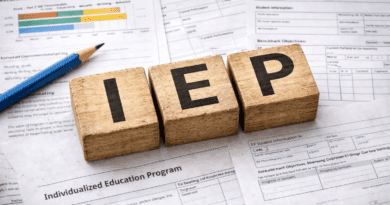
If your teen has an IEP or 504 plan
School plans do not automatically carry into the workplace, but the documentation can help. If your teen is comfortable, they can use the language from their plan to describe what supports they need, such as extra time for written tasks or assistive technology.
Long-term perspective
The goal is not to shield teens from every imperfect system. The goal is to teach them how to recognize barriers, advocate calmly and build a record. Those skills matter in college, training programs and future careers where AI-driven systems are likely to be common.
Frequently Asked Questions (FAQ)
What is AI inclusion in employment?
AI inclusion in employment means hiring and workplace AI tools are designed and used in ways that are fair, accessible and nondiscriminatory. It includes clear accommodation options and human oversight.
Can my teen ask for an alternative to a timed online assessment?
Yes. If a disability makes a timed test or digital tool inaccessible, your teen can request a reasonable accommodation, such as extended time or a different format.
Are AI video interviews accurate for teens?
Accuracy varies widely, and some systems may misread disability-related traits or cultural communication styles. If a video tool scores eye contact, facial expressions or voice, families should be cautious and ask about alternatives.
What happens if an AI tool rejects my teen automatically?
Your teen can ask for a human review and request information about accommodation options. Employers remain responsible for fair decisions, even when technology is involved.
Is it free to request an accommodation in hiring?
Requesting an accommodation is typically free for applicants. Employers may have costs to provide access, but the request itself should not require payment.
How do I know if a workplace tool is biased?
Look for patterns, like repeated rejections despite qualifications or negative performance flags that do not match real work. Document issues and ask for clarification, then escalate if needed.
References
U.S. Equal Employment Opportunity Commission: The Americans with Disabilities Act and the Use of Software, Algorithms and Artificial Intelligence to Assess Job Applicants and Employees
U.S. Department of Justice Civil Rights Division: Americans with Disabilities Act (ADA) Resources
U.S. Department of Labor: Office of Disability Employment Policy Resources
National Institute of Standards and Technology: AI Risk Management Framework
U.S. Equal Employment Opportunity Commission: Enforcement Guidance on Disability-Related Inquiries and Medical Examinations of Employees Under the ADA
Why This Matters for Parents
AI is becoming a gatekeeper for first jobs and early career opportunities. Understanding AI inclusion in employment helps parents protect teens from unfair screening, support disability access and teach advocacy skills that will matter across school, work and adult life.