AI Tutoring Tools for Kids: Benefits, Risks, and Supervision Tips
AI is showing up in more of your child’s learning, from homework helpers to chat-based “tutors” that explain math steps, quiz vocabulary and write practice problems in seconds. For many families, these tools feel like a lifeline when time is tight or a subject turns into nightly conflict.
At the same time, AI tutoring tools for kids are not the same as a trained teacher or a certified tutor. They can be wrong, overly confident and sometimes designed to collect data or keep kids clicking. The goal is not to panic or ban them. It is to use them with clear rules, adult oversight and realistic expectations.
This guide breaks down what AI tutoring tools for kids can do well, where they can go wrong and how to supervise so your child gets the benefits without the biggest risks.
Understanding AI Tutoring Tools for Kids
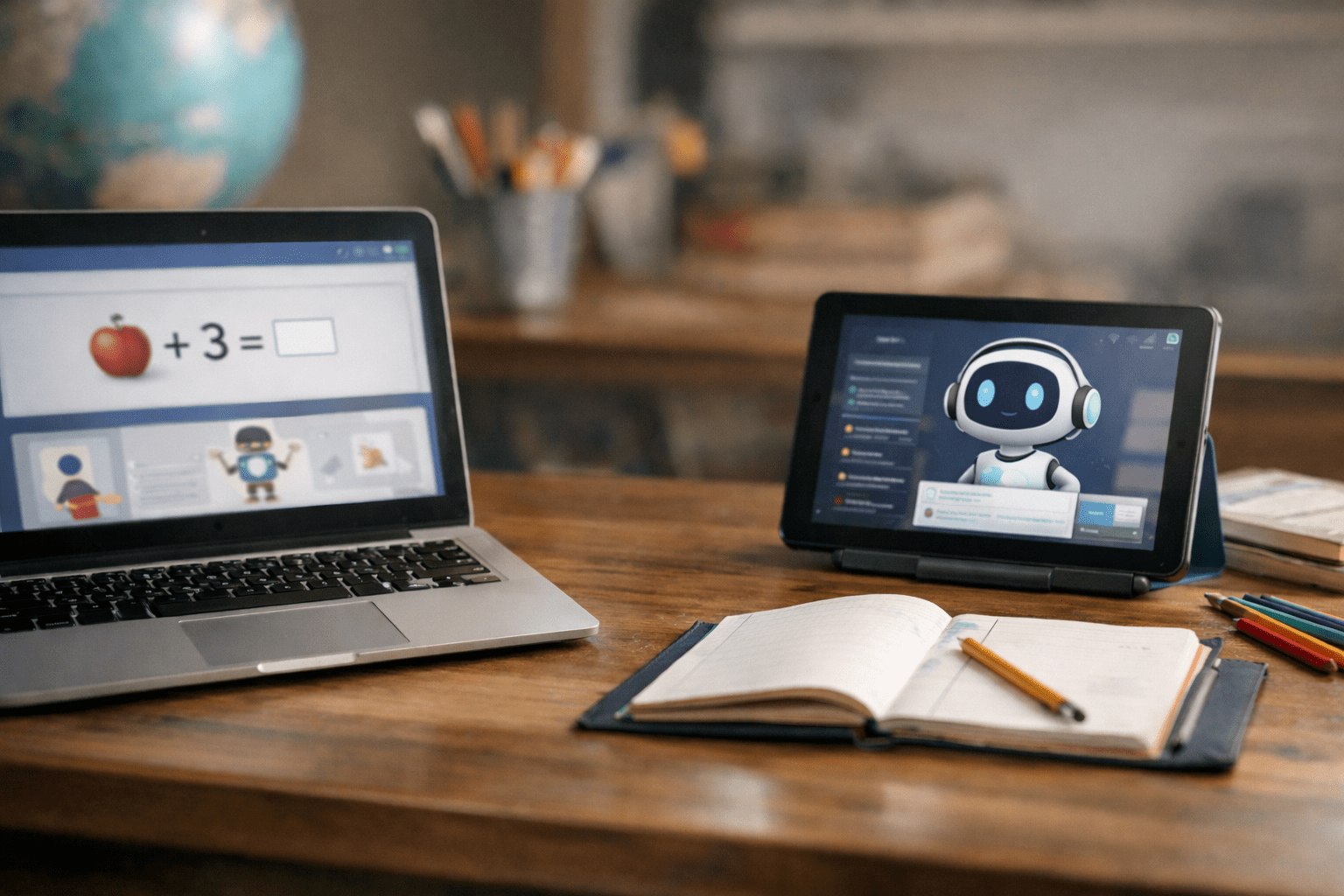
AI tutoring tools for kids are apps, websites or chatbots that use artificial intelligence to help students learn. Some are built into learning platforms. Others are general-purpose chat tools that can answer questions, explain concepts or generate practice problems.
Common features include:
- Step-by-step explanations for math and science problems
- Practice quizzes with instant feedback
- Reading support, including vocabulary and summaries
- Writing help, such as brainstorming, outlining and revising
- Study planning, like making flashcards or review schedules
Policy and legal context matters because many of these tools collect data. If a product is used through a school account, the district may have contracts that limit data sharing. If it is used at home, you may be accepting privacy terms without realizing it. Federal children’s privacy rules can apply in some cases, but protections vary based on the child’s age, the company’s practices and whether the product is marketed to children.
Bottom line: AI tutoring tools for kids can be useful learning supports, but they should be treated like powerful software, not a trusted adult.
Recognizing the Signs or When to Be Concerned
Most families do not need a perfect system. You need a clear way to tell whether the tool is helping your child learn or quietly causing problems.
Signs the tool is helping:
- Your child can explain the idea in their own words after using it
- They make fewer of the same mistakes over time
- They use it to practice, not to avoid work
- They ask better questions in class or during homework
Red flags to watch for:
- The tool gives answers without showing reasoning
- Your child copies and pastes work without understanding it
- The explanations change each time and confuse your child
- The tool confidently gives wrong information
- Your child becomes secretive about what they are asking
- The app pushes social features, ads or “streaks” that distract from learning
- You cannot find clear privacy controls or data policies
Age breakdown: what supervision looks like at different stages
Ages 5–8
- Use only with an adult nearby
- Prioritize phonics, number sense and short practice sessions
- Avoid open-ended chat tools that can produce unpredictable content
Ages 9–12
- Keep AI use tied to a specific task, like 10 practice problems
- Teach the habit of checking answers with a book, notes or a parent
- Watch for over-reliance and “answer hunting”
Ages 13–18
- Focus on academic integrity, source checking and bias awareness
- Require showing work and documenting how AI was used
- Talk directly about privacy, reputation and permanent digital trails
Clear examples of “when to be concerned”
- A middle schooler uses AI to “paraphrase” an essay and cannot summarize the argument aloud.
- A fifth grader asks the tool for help with fractions and ends up more confused because the explanation skips steps.
- A teen uses AI to study but starts trusting it over the textbook, even when the teacher’s answer key disagrees.
The Research or Science Behind It
AI tools can support learning when they increase practice, feedback and motivation. Those are real ingredients for skill-building, especially in areas like math fluency, vocabulary and test review.
But learning also depends on attention, memory and the ability to struggle productively. If AI removes all difficulty, kids may not build durable understanding. One helpful way to think about it is “cognitive effort.” Your child needs to do some of the work of recalling information, making connections and correcting mistakes. That is how the brain strengthens learning pathways.
Where AI can help:
- Immediate feedback can prevent kids from practicing the wrong method repeatedly
- Extra examples can support mastery when a worksheet runs out
- Explanations can offer a second way to hear a concept
- Confidence can improve when kids feel supported
Where AI can hurt:
- Over-scaffolding can reduce independent problem-solving
- “Fluent” writing suggestions can mask weak reading comprehension
- Errors can be persuasive because the tool sounds certain
- Kids may skip metacognition, meaning they do not reflect on what they know and do not know
Long-term outcomes depend on how the tool is used. When kids use AI tutoring tools for kids as a coach for practice and feedback, it can reinforce skills. When they use it as a shortcut, it can weaken foundations and create integrity issues that follow them through middle school, high school and college.
Why timing matters
Early elementary years are when core reading and math skills are built. If AI becomes a crutch during this stage, gaps can grow quickly. In adolescence, the bigger risks often shift to misinformation, academic dishonesty and privacy. Supervision should change with your child’s developmental stage.
How to Access Support or Take Action
You can set up a simple system that makes AI tutoring tools for kids safer and more effective without turning your home into a surveillance state.
Step-by-step guidance for parents
- Start with the goal, not the app
Decide what you want: more practice, clearer explanations, writing feedback or study planning. Pick the smallest tool that meets that need. - Choose kid-appropriate settings
Look for options to limit chat features, turn off social components and reduce data collection. If the tool is tied to a school account, ask whether the district has approved it. - Create a “show your work” rule
If AI helps with math, your child must write the steps. If AI helps with writing, your child must produce an outline first and explain what changed after AI feedback. - Use a three-question check after each session
- What did you ask it to do?
- What did you learn that you could not do before?
- How did you verify the answer?
- Keep sessions short and specific
A useful pattern is 15–25 minutes with a clear endpoint: a set number of problems, one paragraph revision or one quiz. - Build verification habits
Teach your child to confirm facts using class notes, the textbook, teacher-posted resources or a trusted reference source. If the AI disagrees with the teacher, the teacher wins and you follow up. - Protect privacy
Avoid entering sensitive personal details. Encourage kids not to share their full name, school, address, passwords or private family information. Review the app’s privacy policy in plain terms: What data is collected? Is it shared? Can you delete it?
Parent rights and what to request at school
If AI is being used through school, you can ask:
- Whether the tool is district-approved
- What student data is collected and how it is protected
- Whether parents can opt out or use an alternative
- How teachers define acceptable use and plagiarism rules
- Whether the tool is accessible for students with disabilities
Timeline expectations
- Same week: Set home rules, test the tool with your child and create a verification routine
- Within a month: Review grades, stress levels and independence to see if it is helping
- Each semester: Revisit rules, especially if teachers change policies or your child’s workload shifts
What Happens Next or Transition Planning
Once your family has basic rules, the next step is aligning AI use with your child’s learning plan.
What parents can expect over time
- Early improvement may come from more practice and less frustration
- The “honeymoon” can fade if the tool becomes boring or too easy
- The real payoff comes when your child learns to ask good questions, check work and stay honest
How to connect with school supports
If your child has an IEP or 504 plan, AI tutoring tools for kids may or may not be appropriate as an accommodation. Talk with the case manager or school team about:
- Whether the tool supports the goal areas in the plan
- Whether it replaces instruction or provides access to instruction
- How usage will be monitored and documented
- Whether the tool meets accessibility needs like text-to-speech or language supports
Transition planning tips
- Elementary to middle school: Focus on organization and study habits, not just answers
- Middle to high school: Emphasize integrity, citation, drafting and independent thinking
- High school to college: Teach your teen to follow course policies, document AI assistance and protect personal data
A healthy long-term approach is to treat AI as one tool in a toolbox: teacher instruction, practice, sleep, reading time and family routines still matter more than any app.
Frequently Asked Questions (FAQ)
Are AI tutoring tools for kids safe to use?
They can be safe when you choose reputable products, use privacy settings and supervise use. The biggest risks are inaccurate information, over-reliance and data collection.
How do I know if my child is learning or just copying answers?
Ask your child to explain the concept without the tool and to show their steps. If they cannot teach it back, the tool is likely being used as a shortcut.
When should I let my child use a chatbot for homework?
For most kids, chatbots are best used after they attempt the problem first. A good rule is “try, then ask for a hint, then verify,” especially for math and writing.
Can AI tutoring tools for kids increase cheating at school?
Yes, if expectations are unclear or if kids use AI to generate finished work. Set family rules, follow teacher policies and require transparency about how AI was used.
Is it free and what should I watch for with paid plans?
Many tools offer free versions, but they may include ads, data collection or limited controls. Paid plans can add features, but you should still review privacy settings, content filters and refund policies.
What should I tell my child about privacy when using AI tools?
Teach them not to share personal details and to avoid entering sensitive information. Remind them that what they type may be stored and reviewed, even if the tool feels like a private conversation.
References
Centers for Disease Control and Prevention: Children’s Mental Health and Digital Media Resources
American Academy of Pediatrics: Family Media Plan and Digital Media Guidance
Federal Trade Commission: Children’s Online Privacy Protection Rule Guidance
U.S. Department of Education: Artificial Intelligence and the Future of Teaching and Learning
National Institute of Standards and Technology: AI Risk Management Framework
UNESCO: Guidance for Generative AI in Education and Research