
Best First Phone Alternatives for Kids: Watch, Dumbphone, or More
Parents often reach a point where they wonder if their child truly needs a phone or if they just need a way to reach them after practice, on the bus or during a playdate. The pressure can feel intense, especially when “everyone else has one.” But a first phone does not have to mean a full-powered smartphone.
The good news is that the best first phone alternatives now come in several realistic, parent-friendly options. A smartwatch, a “dumbphone” or a restricted smartphone can each offer connection without handing over unlimited apps, social media and 24/7 internet access.
This guide breaks down how each option works, what to watch for and how to pick the right fit for your child’s age, maturity and daily routine.
Understanding Best First Phone Alternatives
When parents talk about the best first phone alternatives, they usually mean devices that provide safety and basic communication while limiting distraction, online risk and content exposure. The three most common paths are:
- Kid-focused smartwatch: A wearable with calling, texting, GPS and parent controls
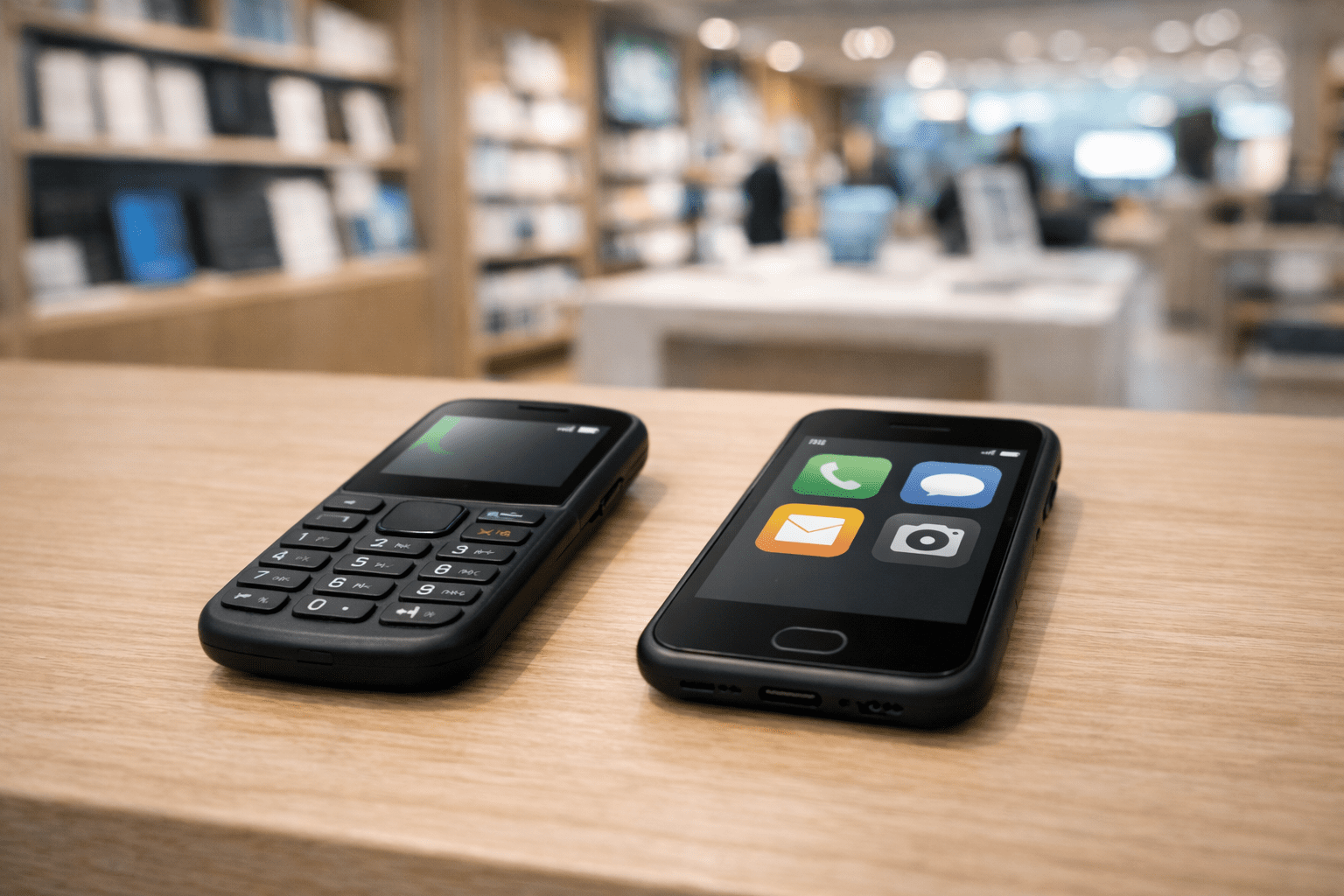
- “Dumbphone” or basic phone: A phone centered on calling and texting with limited internet features
- Restricted smartphone: A regular smartphone configured with strong parental controls, limited apps and tight downtime rules
Policy and legal context matters because many risks are tied to online access and data collection. For example, the Children’s Online Privacy Protection Act (COPPA) sets rules for how online services collect data from kids under 13. Even with COPPA in place, children can still encounter content, messaging features and data practices that parents may not expect. Schools also often have strict rules about device use during class, so an option that can be fully silenced and stays out of sight may reduce headaches.
A helpful way to think about these choices is by “layers” of responsibility. A smartwatch may cover safety and coordination. A dumbphone adds more independence with fewer digital temptations. A restricted smartphone can prepare a teen for real-world tech expectations, but only if the boundaries are strong and consistently enforced.
Recognizing the Signs or When to Be Concerned
Your child may be ready for more connectivity, but not necessarily ready for a smartphone. The goal is to match the device to the need, not the social pressure.
Common reasons families consider the best first phone alternatives:
- After-school pickup changes
- Sports and activities schedules
- Walking or biking to school
- Shared custody coordination
- Group projects or clubs
- Childcare transitions, babysitters, playdates
Age-based guide (general, not a rule):
- Ages 6–9: Smartwatch or no device, focus on simple check-ins and location sharing
- Ages 9–12: Smartwatch or dumbphone, introduce responsibility and routines
- Ages 12–14: Dumbphone or restricted smartphone, depending on maturity and school demands
- Ages 14+: Restricted smartphone with clear expectations, gradual privileges
Red flags that suggest a full smartphone may be too much right now:
- Trouble stopping screen time without conflict
- Sneaking devices or using screens at night
- Strong impulsivity, frequent rule-breaking
- Online behavior that shows poor judgment, oversharing, arguing with strangers
- Anxiety tied to messaging, needing constant reassurance
- Declining grades or sleep when screens increase
Clear examples to consider:
- If your child only needs to call you after practice, a smartwatch or dumbphone may cover it.
- If your child needs to coordinate rides, group messages and school apps, a restricted smartphone might make sense, but only with limits that prevent “just one more” scrolling.
The Research or Science Behind It
Kids are still building skills that matter for safe tech use: impulse control, emotional regulation and future thinking. Those skills develop over time and often lag behind the temptations built into modern apps.
Brain development research shows that younger adolescents are more sensitive to rewards and social feedback, which can make notifications, likes and streaks especially hard to resist. A device that reduces or removes that feedback loop can make daily life calmer.
Studies also link heavy or late-night screen use with sleep problems. Sleep affects mood, learning and behavior. That is why timing matters: even a “good kid” can struggle with a smartphone if it disrupts sleep or adds constant social pressure.
This is where the best first phone alternatives can help. They let families practice digital responsibility in steps. You can build habits first, like charging devices outside the bedroom, replying politely to messages, using location sharing appropriately and following school rules. Then, if you later move to a smartphone, your child is not starting from zero.
How to Access Support or Take Action
Choosing among the best first phone alternatives is easier if you approach it like a family safety plan, not a purchase.
Step-by-step guidance
- Name the need. Is it safety, pickup coordination, custody transitions or social access?
- Pick the lowest-tech device that meets the need. Start with the simplest option that solves the real problem.
- Set nonnegotiables. Common ones: no device in the bedroom overnight, no use during school, parents can review contacts.
- Choose features intentionally. GPS, calling, texting, SOS button, approved contacts, no app store.
- Create a short family agreement. One page is enough. Include consequences and how privileges can expand.
- Do a two-week trial. Revisit what worked and what did not.
Parent rights and what to request
- You can ask your school for its device policy in writing, including rules for smartwatches.
- If your child has an IEP or 504 plan and needs a device for a disability-related reason, ask the team whether a communication or safety plan should be included. Some students may need accommodations around access, storage or use.
Timeline expectations
- Same day: You can usually set up a smartwatch or dumbphone quickly.
- First week: Expect a learning curve with contacts, school rules and charging habits.
- Two to four weeks: You will have enough data to decide if the device is working or if you need to scale up or scale back.
Practical comparisons
- Smartwatch works best when: Your child is younger, you want GPS and a small contact list, you want fewer distractions.
- Dumbphone works best when: Your child needs reliable calling and texting, you want minimal apps, you want a clear step toward independence.
- Restricted smartphone works best when: Your child truly needs certain apps, you are ready to enforce downtime, app approvals and content filters consistently.
What Happens Next or Transition Planning
Most families do not make one choice forever. Think of device access as a progression.
What parents can expect
- The first month often includes testing boundaries. That is normal.
- Consistency matters more than the device type. A restricted smartphone without enforcement quickly becomes an unrestricted smartphone.
- Your child’s needs will change with sports schedules, new schools and friend groups.
Transition planning
- From smartwatch to dumbphone: Consider when your child starts staying after school independently or needs more reliable texting.
- From dumbphone to restricted smartphone: Consider when school or activities require specific apps, or when travel and navigation become relevant.
- School transitions: Middle school often raises social and scheduling demands. High school often adds transportation independence. Revisit your plan at each transition.
If your child has an IEP or 504 plan, transitions are also a good time to revisit how devices fit with executive functioning supports, anxiety supports or communication needs. The goal is a device that supports functioning, not one that creates new problems.
Frequently Asked Questions (FAQ)
What are the best first phone alternatives for elementary school kids?
For many families, a kid-focused smartwatch is the best fit because it allows calling, basic texting and GPS with tight parent controls. If your child does not need communication away from adults, waiting can also be a strong option.
When should I choose a dumbphone instead of a smartwatch?
A dumbphone can make sense when your child needs more reliable texting, longer battery life and a device that stays in a backpack. It is often a good middle step before any smartphone access.
Is a restricted smartphone actually safe for a first device?
It can be, if you use strong parental controls, limit apps, set downtime and keep the phone out of the bedroom at night. The biggest risk is assuming the settings will “hold” without ongoing monitoring and regular check-ins.
How can I limit social media if my child has a restricted smartphone?
Use app approval settings, block app store downloads without permission and set clear rules about which platforms are allowed. Many families also delay social media entirely and start with communication tools only.
What happens if my child’s school bans phones but not smartwatches?
Policies vary. Ask the school for its written rules and clarify where the device must be during class. A smartwatch can still be a distraction, so consider school mode features and firm expectations.
Is it free to set up parental controls?
Most smartphones include built-in parental controls at no extra cost, though some carriers and third-party apps charge monthly fees. Smartwatches often require a service plan, which can be the main ongoing cost.
How do I know my child is ready to move to the next step?
Look for consistent responsibility: charging the device, following school rules, responding appropriately to messages and respecting bedtime boundaries. If those habits are solid for several months, a gradual upgrade may be reasonable.
References
Centers for Disease Control and Prevention (CDC): Sleep and Sleep Disorders
National Institutes of Health (NIH): Adolescent Brain Cognitive Development (ABCD) Study Resources
American Academy of Pediatrics: Family Media Plan Guidance
Federal Trade Commission (FTC): Children’s Online Privacy Protection Rule (COPPA) Overview
U.S. Department of Education: Protecting Student Privacy and Digital Learning Resources
Parent Center Hub: 504 Plans and IEP Basics for Families