Best Learning Apps for Preschoolers Parents Can Trust
Parents want screen time to count, especially in the preschool years when kids learn fastest through play, conversation and hands-on exploration. The best learning apps for preschoolers can support early reading, math, self-regulation and curiosity, but only when they are used with clear limits and adult guidance.
If you are searching for the best learning apps for preschoolers, the goal is not to “get ahead” academically. It is to build strong foundations: language, problem solving, attention, creativity and confidence. The right app can give your child extra practice with letters and sounds, introduce early number sense or provide a calm routine while you make dinner.
This guide explains what to look for, which app types tend to work best for ages 2 to 5 and how to protect your child’s privacy and well-being along the way.
Understanding Best Learning Apps for Preschoolers
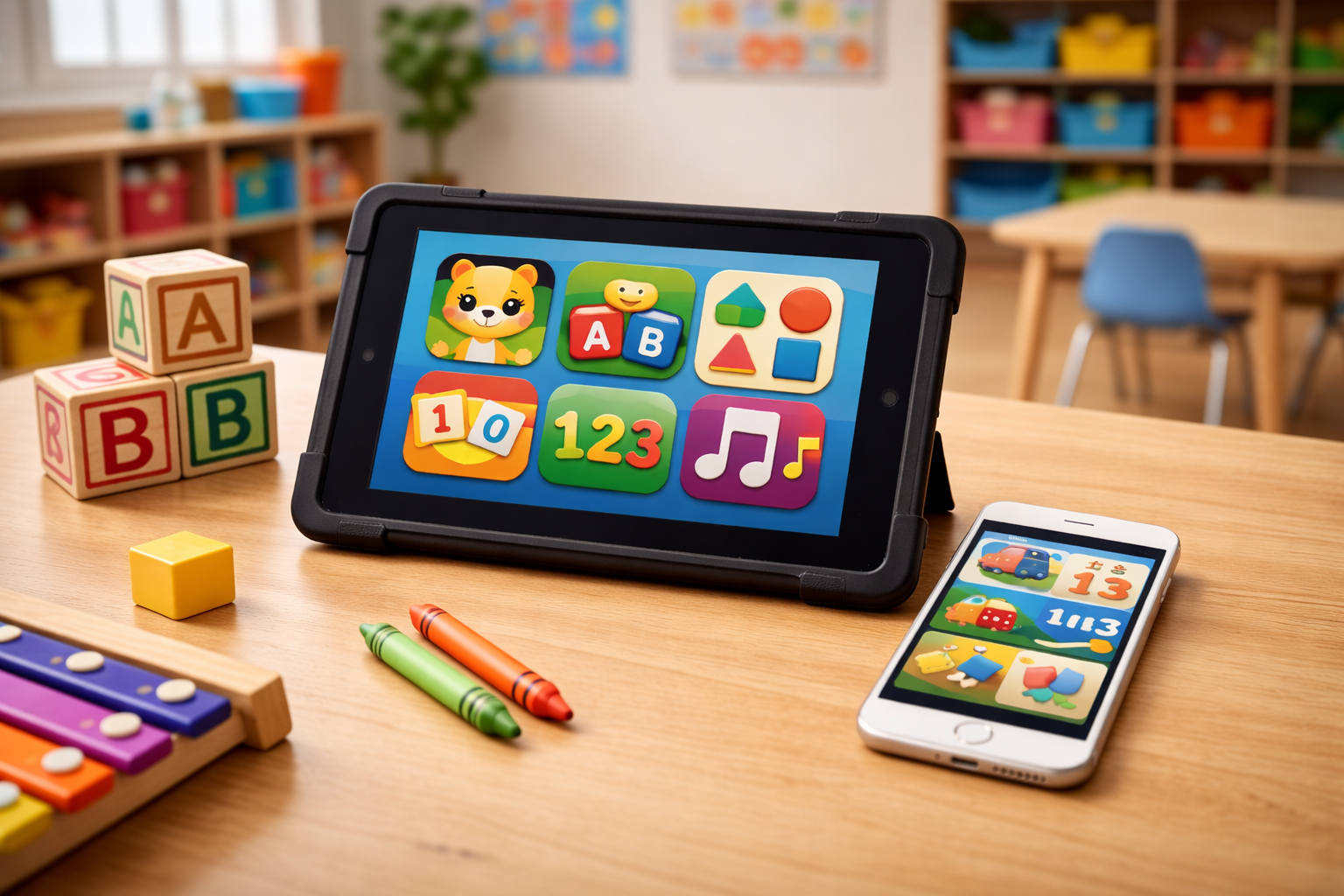
Learning apps for preschoolers are digital games or activities designed to teach early skills like letter recognition, phonics, counting, shapes, patterns, fine motor control and social-emotional skills. The best ones feel like play, not drills. They offer short activities, clear feedback and chances for kids to try again without pressure.
For parents, “best” usually means a mix of three things:
- Developmentally appropriate: Simple navigation, limited text, clear audio cues and short tasks.
- Educationally sound: Skills are taught in a logical order, with practice that builds over time.
- Safe and respectful: No aggressive ads, no sneaky purchases, minimal data collection and strong privacy settings.
Policy matters here, too. Many apps marketed to children fall under the Children’s Online Privacy Protection Act, or COPPA, which limits how companies collect personal information from kids under 13. In practice, enforcement and design vary widely, so parents still need to check privacy settings, permissions and whether an app is truly “kid safe.”
When you evaluate the best learning apps for preschoolers, think like a teacher and a consumer: What skill is this building, and what is this app asking from my child’s attention and data?
Recognizing the Signs or When to Be Concerned
Even high-quality learning apps can become a problem if they replace sleep, active play, family interaction or preschool routines. Concerns also come up when apps push ads, fast-paced rewards or in-app purchases that are hard for young children to understand.
Common red flags
- Lots of ads or pop-ups, especially ones that interrupt play
- In-app purchases tied to progress or “limited time” rewards
- Overstimulating design: rapid cuts, loud effects, constant prizes
- Poor accessibility: tiny buttons, confusing menus, heavy reading demands
- No parent section, no progress info, no clear learning goals
- Data requests that do not match the activity, like location or contacts
Age-by-age guidance
Ages 2 to 3
- Best fit: simple cause-and-effect, basic shapes, colors, matching, songs, interactive stories
- Watch for: apps that require reading, complex rules or long sessions
Ages 3 to 4
- Best fit: letter names and sounds, rhyming, counting sets, patterns, fine motor tracing, pretend play
- Watch for: “endless” gameplay designed to keep kids tapping without thinking
Ages 4 to 5
- Best fit: early phonics, beginning writing strokes, number sense, simple problem solving, emotional skills
- Watch for: pressure-based levels, competitive scoring or content that discourages mistakes
When to pause or reset app use
Consider cutting back and changing your approach if you notice:
- More tantrums when the device is turned off
- Less interest in toys, books or outdoor play
- Sleep problems or frequent requests for screens at bedtime
- Your child repeating rude language or showing fear after certain content
- Increased zoning out, irritability or difficulty shifting to non-screen activities
A simple fix often helps: shorter sessions, more co-viewing and swapping to calmer, ad-free options.
The Research or Science Behind It
Preschool learning is powered by relationships and real-world exploration. Young children build language and thinking skills through back-and-forth conversation, movement, pretend play and daily routines. Screens can support learning, but they do not automatically teach. The design of the app and the presence of an engaged adult matter.
Research and professional guidance generally point to a few key ideas:
- Interactive beats passive. Apps that require a child to think, respond and try again can be more beneficial than videos or swipe-only games.
- Adult involvement boosts learning. When you sit with your child, ask questions and connect the activity to real life, learning sticks better.
- Pace matters. Rapid rewards and constant stimulation can make it harder for some children to practice patience and attention.
- Content quality matters more than the label. “Educational” marketing does not guarantee good instruction.
From a brain development standpoint, preschoolers are building executive function: working memory, flexible thinking and self-control. Short, well-designed challenges can support those skills, but long, unstructured screen time can crowd out the activities that build them most: physical play, social interaction and sleep.
Timing matters, too. A 10-minute app session after preschool while you talk about what your child is doing is very different from an hour alone with a device. If you use the best learning apps for preschoolers as a tool within a routine, not as a default babysitter, you are more likely to see benefits without as many downsides.
How to Access Support or Take Action
If you want to use learning apps confidently, start with a plan and a few clear filters. You do not need dozens of apps. Two to four high-quality options are usually plenty.
Step-by-step: choosing the right app
- Pick one skill area at a time. Literacy, math, fine motor, social-emotional or general curiosity.
- Look for ad-free, purchase-free design. Paid upfront or truly free public-media apps are often safer than “free with ads.”
- Check the parent section. The best learning apps for preschoolers include:
- Clear skill goals
- Progress tracking
- Adjustable difficulty
- Time limits or session controls
- Review privacy and permissions.
- Avoid apps that request location, microphone or contacts without a clear reason
- Prefer apps that let you turn off data sharing
- Test it yourself for five minutes. If it feels chaotic or salesy, skip it.
Examples of app types that tend to work well
These are common, widely used options that many families and early-childhood educators recognize:
- All-around early learning: Khan Academy Kids, ABCmouse
- Public media learning games: PBS KIDS Games
- Early literacy and phonics: Starfall, Duo ABC, Endless Alphabet
- Early math and patterns: Moose Math (by Duck Duck Moose), simple number sense games
- Play-based creativity and exploration: Sago Mini School, Toca Boca-style open play apps (choose carefully and avoid aggressive add-ons)
Tip: Whatever you choose, use it like a book. Sit nearby, narrate what you see, ask one question and keep sessions short. “What sound does that letter make?” “Can you find three stars?” “How did you solve that?”
Parent rights and what to request
If your child’s preschool recommends apps, you can ask:
- What learning goal does this support?
- Is it required or optional?
- Is it ad-free and free of in-app purchases for children?
- What data is collected, and who can see it?
- Are there non-digital alternatives for the same skill?
If the preschool uses accounts, request a copy of the privacy policy and ask whether you can opt out of photos, recordings or data sharing beyond basic classroom use.
Timeline expectations
Many parents hope for quick results, like “my child will read in a month.” A better expectation is gradual growth over weeks and months, especially when the app is paired with real-world practice. You will often see the biggest gains in confidence and familiarity first, then skill accuracy later.
What Happens Next or Transition Planning
As your child approaches kindergarten, you can shift from “skills exposure” to “skills transfer.” That means helping your child use what they practice in an app in daily life:
- Point out letters on signs and in books
- Count snacks, steps or toys during cleanup
- Use drawing, play dough or scissors to build fine motor control
- Practice turn-taking and coping skills during games
If you suspect your child is struggling in ways that go beyond normal preschool variation, apps may not be enough. Consider a conversation with your pediatrician or preschool teacher if you see persistent speech delays, difficulty following simple directions, frequent meltdowns that disrupt daily life or limited engagement with peers.
For children who need extra support, early intervention services may be available through your state for eligible children under age 3, and many school districts provide preschool evaluations starting at age 3. If an evaluation is recommended, you can still use the best learning apps for preschoolers as practice, but the core support should come from specialists and structured plans.
Frequently Asked Questions (FAQ)
What are the best learning apps for preschoolers right now?
The best learning apps for preschoolers are typically ad-free, play-based and skill-focused, with strong parent controls. Look for apps that build early literacy, number sense and self-regulation through short activities. Examples many families use include Khan Academy Kids, PBS KIDS Games and Starfall.
How much screen time is OK for a preschooler using learning apps?
Many experts recommend keeping screen time limited and focusing on high-quality content, ideally with an adult involved. A practical approach is 10 to 20 minutes at a time, not close to bedtime, and not replacing outdoor play, sleep or shared reading.
Are free learning apps safe for preschoolers?
Some are, but “free” often comes with ads or data collection. Before downloading, check whether the app has third-party advertising, in-app purchases or unclear privacy practices. Public-media apps and paid upfront apps are often simpler and safer.
What skills should preschool apps focus on?
Strong preschool learning apps focus on phonological awareness, letter knowledge, vocabulary, counting, patterns, shapes, problem solving and social-emotional skills. The best apps also support fine motor practice through tracing or drawing, without requiring perfect accuracy.
How can I tell if an app is actually educational?
Look for a clear skill progression, feedback that explains mistakes and activities that require thinking, not just tapping. Good apps also avoid constant rewards and let kids explore at a calm pace. If you cannot identify what your child is learning in five minutes, it may be more entertainment than instruction.
What happens if my child gets upset when I turn off the app?
That can be a sign the app is too stimulating or the routine needs clearer limits. Try shorter sessions, a consistent stop cue like a timer and a transition activity such as a snack or book. If the problem continues across apps and settings, consider reducing screen time overall and building more offline calming routines.
Why This Matters for Parents
Learning apps are not just about academics. They also shape your child’s attention, habits and digital footprint. Because preschoolers cannot understand persuasive design or privacy choices, parents carry the responsibility for picking high-quality tools, setting limits and checking what an app collects and sells. Choosing the best learning apps for preschoolers is really about protecting childhood while supporting learning.
References
American Academy of Pediatrics: Media and Young Minds
Centers for Disease Control and Prevention: Developmental Milestones
Federal Trade Commission: Children’s Online Privacy Protection Rule (COPPA)
National Institutes of Health: Early Childhood Development and Brain Development Resources
U.S. Department of Education: A Family Guide to Early Learning and Education
Parent Center Hub: Early Childhood Services and Evaluations Under IDEA