How to Tell If Your Child’s School Is Using AI
Many schools now use artificial intelligence in ways that are easy to miss. It may show up in the learning apps your child uses, the software that flags “at-risk” students or the tools teachers use to plan lessons and grade work. Sometimes it improves efficiency. Sometimes it introduces new privacy risks, bias concerns or confusion about who is responsible when something goes wrong.
If you are wondering whether your child’s school is using AI, you are not alone. Parents often only learn about it after a problem happens, like a discipline decision tied to a monitoring tool or a surprise change in how assignments are graded. The good news is you can ask clear questions, request key documents and set boundaries.
This guide explains how to tell if your child’s school is using AI, what to listen for and what steps to take if you have concerns.
Understanding If Your Child’s School Is Using AI
Artificial intelligence is a broad term for computer systems that recognize patterns, make predictions or generate content. In schools, AI often appears in three common forms:
- Predictive or decision-support tools: Systems that forecast attendance issues, behavior concerns or course placement.
- Automation tools: Software that helps grade multiple-choice work, detect plagiarism or route help desk requests.
- Generative AI tools: Tools that can write text, create images, summarize readings or generate practice questions.
Schools may describe these tools without saying “AI.” You might hear terms like “machine learning,” “algorithm,” “automated,” “intelligent tutoring,” “personalized learning” or “analytics.”
Policy context matters. Student information is typically protected under FERPA (the Family Educational Rights and Privacy Act), which gives parents rights to access education records and some control over disclosure. For younger children using online services, COPPA (the Children’s Online Privacy Protection Act) can affect how vendors collect data. District contracts, board policies and technology consent forms often spell out what data is collected, who can see it and how long it is kept.
A practical definition for parents: Your child’s school is using AI if a tool is making or influencing decisions, predictions or content using student data or student work, beyond simple storage or basic calculations.
Recognizing the Signs or When to Be Concerned
You can often spot AI in education by watching for changes in how learning is assigned, monitored or evaluated.
Common signs your child’s school is using AI include:
- A new “personalized learning” program that adapts lessons automatically
- Real-time dashboards showing “risk scores” for grades, attendance or behavior
- Automated writing feedback that sounds generic or inconsistent
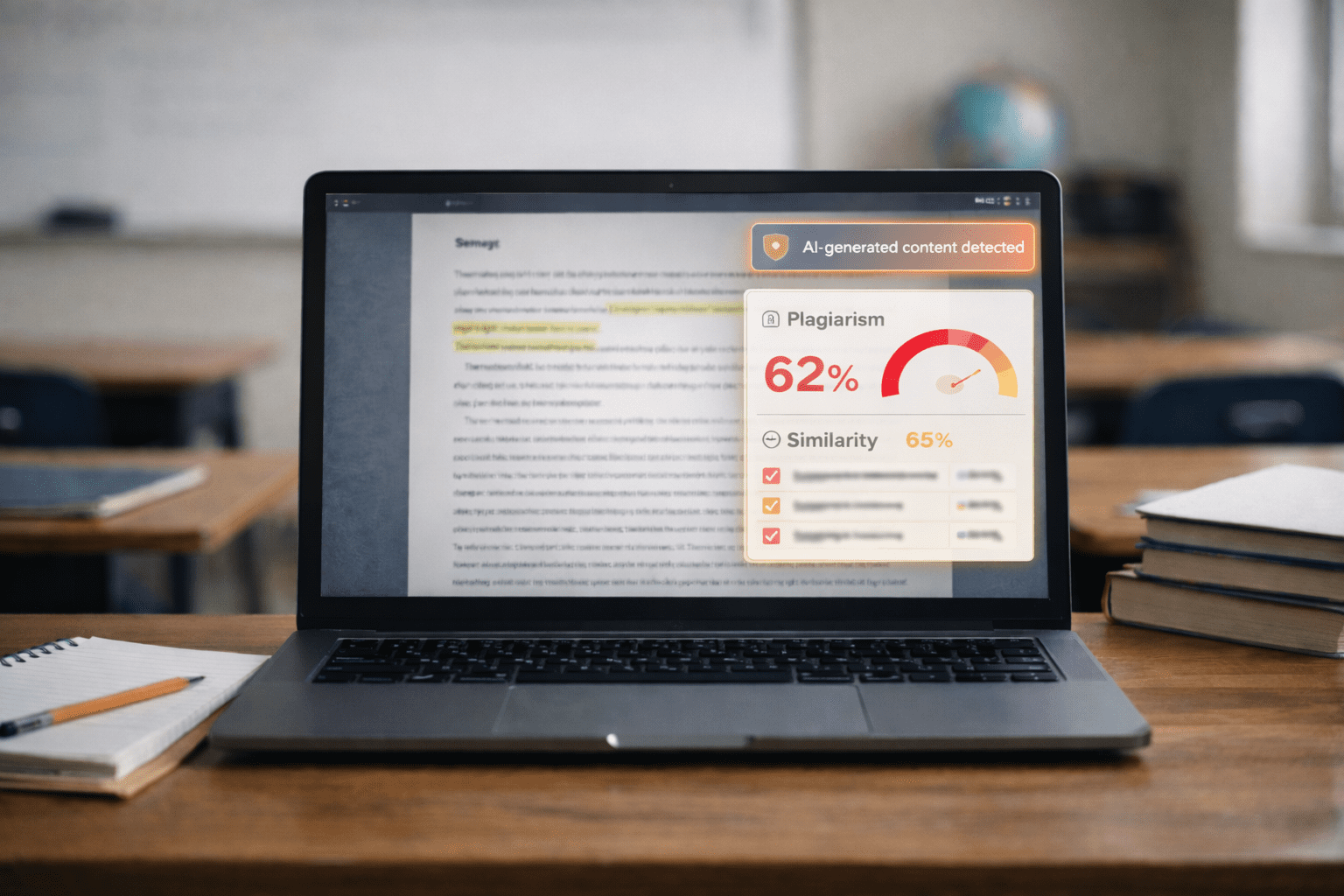
- Plagiarism or “AI writing detection” notices with little explanation
- Monitoring tools on school devices that flag keywords, searches or messages
- Parent portals that show predictions, alerts or “early warning” indicators
Age-related patterns can also help you narrow where to look.
- Elementary school: Reading and math platforms that adjust levels, speech-to-text supports, behavior tracking apps
- Middle school: Essay feedback tools, learning management systems with analytics, device monitoring, chatbots for homework help
- High school: Course recommendation systems, college and career platforms, proctoring tools, AI-assisted grading and feedback
Red flags that warrant closer questions:
- Decisions that affect your child’s placement, discipline or services are described as “what the system says”
- You are told you cannot see the criteria for a score, flag or recommendation
- The school cannot clearly explain what data is collected or how long it is kept
- A vendor tool is used without a clear opt-out process when sensitive data is involved
- Students with disabilities or multilingual learners seem to be misread by automated tools
Questions to Ask the School
If you want to know whether your child’s school is using AI, ask direct, practical questions. You can start with your child’s teacher, then follow up with the principal or district technology office.
Start with where AI touches your child’s day-to-day learning
- What apps and platforms does my child use each week, and which of them use AI or machine learning?
- Does any tool generate content for students, like hints, explanations, sample essays or feedback?
- Does any tool score or grade student work automatically, even if a teacher reviews it?
Ask about monitoring and discipline
- Are school devices monitored with automated alerts or keyword flagging?
- What triggers an alert, and who reviews it before any action is taken?
- Can we see the school’s policy on monitoring, searches and investigations?
Ask about data and privacy
- What student data is collected by each tool (name, email, writing samples, voice recordings, behavior notes)?
- Is the data used to train the vendor’s AI models, or is it restricted to our district?
- How long is data stored, and how is it deleted when students leave the district?
- Who has access to the data, including contractors and subcontractors?
Ask about fairness and accountability
- Has the district reviewed these tools for bias or accuracy with students like mine?
- What is the process to challenge a score, flag or recommendation?
- If the tool makes a mistake, who is responsible for correcting records and outcomes?
Ask about consent and alternatives
- Do parents have a choice to opt out, and what is the educational alternative?
- If opt-out is not available, what safeguards are in place?
These questions do more than confirm whether your child’s school is using AI. They also reveal whether the school has clear oversight, staff training and a process for correcting errors.
The Research or Science Behind It
AI tools can support learning when used carefully, but research also points to real limitations, especially for high-stakes decisions.
From a brain development standpoint, children and teens are still building skills that matter for learning: attention control, planning, impulse management and judgment. Tools that “nudge” choices, automate feedback or provide instant answers can be helpful in small doses, but they can also reduce productive struggle if they replace practice, discussion and teacher guidance. For adolescents, heavy reliance on automated feedback may also affect motivation and confidence, particularly if feedback feels impersonal or inconsistent.
Research on educational technology shows mixed results. Some adaptive tutoring systems can improve targeted skills, especially in math practice, but outcomes depend on quality, implementation and teacher involvement. More concerning are tools that claim to predict behavior or risk. Predictive models can reflect the data they were built on, including patterns shaped by discipline disparities, attendance barriers or unequal access to resources. That is one reason many experts caution against using algorithmic scores as the main driver of discipline, placement or special education decisions.
Timing matters because school records follow students. A flawed flag, inaccurate risk score or misclassified writing sample can shape teacher expectations, course pathways and even referrals for discipline or evaluation. If your child’s school is using AI, you want to know how errors are caught early, not after decisions have stacked up.
How to Access Support or Take Action
If you suspect your child’s school is using AI and you want clearer answers, a structured approach helps.
Step 1: Inventory the tools your child uses
- Ask your child to list every app, website or platform used for assignments, quizzes, writing or messaging.
- Check the school device for installed apps and browser extensions.
Step 2: Request the district’s approved tools list and policies
Ask for:
- The district’s ed tech vendor list
- Data privacy agreements or contract summaries
- Board policies on student data, monitoring, academic integrity and AI use
Step 3: Use your parent rights
Under FERPA, you can request access to your child’s education records. If an AI-related score or report is part of the record the school maintains, you can ask to review it and request corrections if it is inaccurate. You can also ask the school to explain how a decision was made, especially if it affected placement or services.
Step 4: Put concerns in writing
Send an email asking:
- Which specific tools use AI
- What data is collected
- Whether data is used to train models
- How the school handles disputes and errors
Written requests create a timeline and reduce misunderstandings.
Step 5: Ask for safeguards, not just assurances
Safeguards can include:
- Human review before any discipline or placement decision
- Limits on monitoring alerts and clear investigation rules
- Staff training on when not to rely on automated outputs
- Clear opt-outs or alternatives for nonessential tools
Timeline expectations
Simple answers should come within days. Contract and policy requests may take longer, especially if the district needs to pull vendor documents. If you do not get a response, follow up with the principal, then the district office, then the school board’s public comment process if needed.
What Happens Next or Transition Planning
If your child’s school confirms it is using AI, the next step is to understand how it affects classroom instruction, grading and student supports over time.
For many families, the biggest issues arise during transitions: entering middle school, starting high school or moving into advanced courses. This is also when automated course recommendations and early warning systems are more likely to influence decisions. Ask how the school ensures students are not locked into a path based on a flawed prediction.
If your child has an IEP or 504 plan, AI tools can intersect with accommodations and services. For example, an automated writing tool might conflict with a plan’s goals, or device monitoring might misinterpret assistive technology use. You can request that the IEP or 504 team discuss:
- Whether the tool supports or interferes with accommodations
- How teachers will evaluate work completed with AI-based supports
- How the school will document decisions and correct mistakes
Long term, schools that use AI well tend to be transparent: they publish policies, train staff and provide a clear way to appeal errors. If your child’s school is using AI but cannot explain it plainly, that is a signal to keep asking questions.
Frequently Asked Questions (FAQ)
How can I tell if my child’s school is using AI without being told?
Look for “personalized learning” platforms, automated writing feedback, device monitoring alerts or dashboards with risk scores. Ask for the list of approved digital tools and whether any use machine learning or automated decision-making.
Can I opt out if my child’s school is using AI?
Sometimes. Opt-out options depend on district policy, the type of tool and whether it is considered essential for instruction. Ask what the alternative assignment or platform is if you decline a specific tool.
Is it legal for schools to monitor student devices with AI tools?
Schools often monitor school-issued devices, but policies vary and should be clearly explained to families. Ask what is monitored, when monitoring applies and who reviews alerts before any action is taken.
What happens if an AI tool labels my child as “at risk”?
Ask to see the report and what data fed the label. Request a meeting to discuss what actions the school plans to take and how you can challenge or correct inaccurate information that affects decisions.
Do AI writing detectors accurately identify student cheating?
Accuracy varies and false positives are a known concern. If your child is flagged, ask what evidence the school uses beyond the detector and what appeal process is available.
How does AI affect students with disabilities or multilingual learners?
Automated systems can misread communication differences, assistive technology use or language development. If your child has an IEP or 504 plan, ask the team to document how AI tools will be used and how errors will be handled.
Why This Matters for Parents
AI in schools is expanding faster than most school policies and family consent processes. When your child’s school is using AI, it can shape learning, privacy and fairness in ways that are hard to see. Asking the right questions now helps you protect your child’s records, ensure human judgment stays in the loop and make sure technology supports learning instead of quietly steering it.
References
U.S. Department of Education: Family Educational Rights and Privacy Act (FERPA) Overview
Federal Trade Commission: Children’s Online Privacy Protection Rule (COPPA) Guidance
National Institute of Standards and Technology: Artificial Intelligence Risk Management Framework
UNESCO: Guidance for Generative AI in Education and Research
Parent Center Hub: Overview of Parent Rights Under IDEA
Common Sense Education: Student Privacy and Data Security Resources